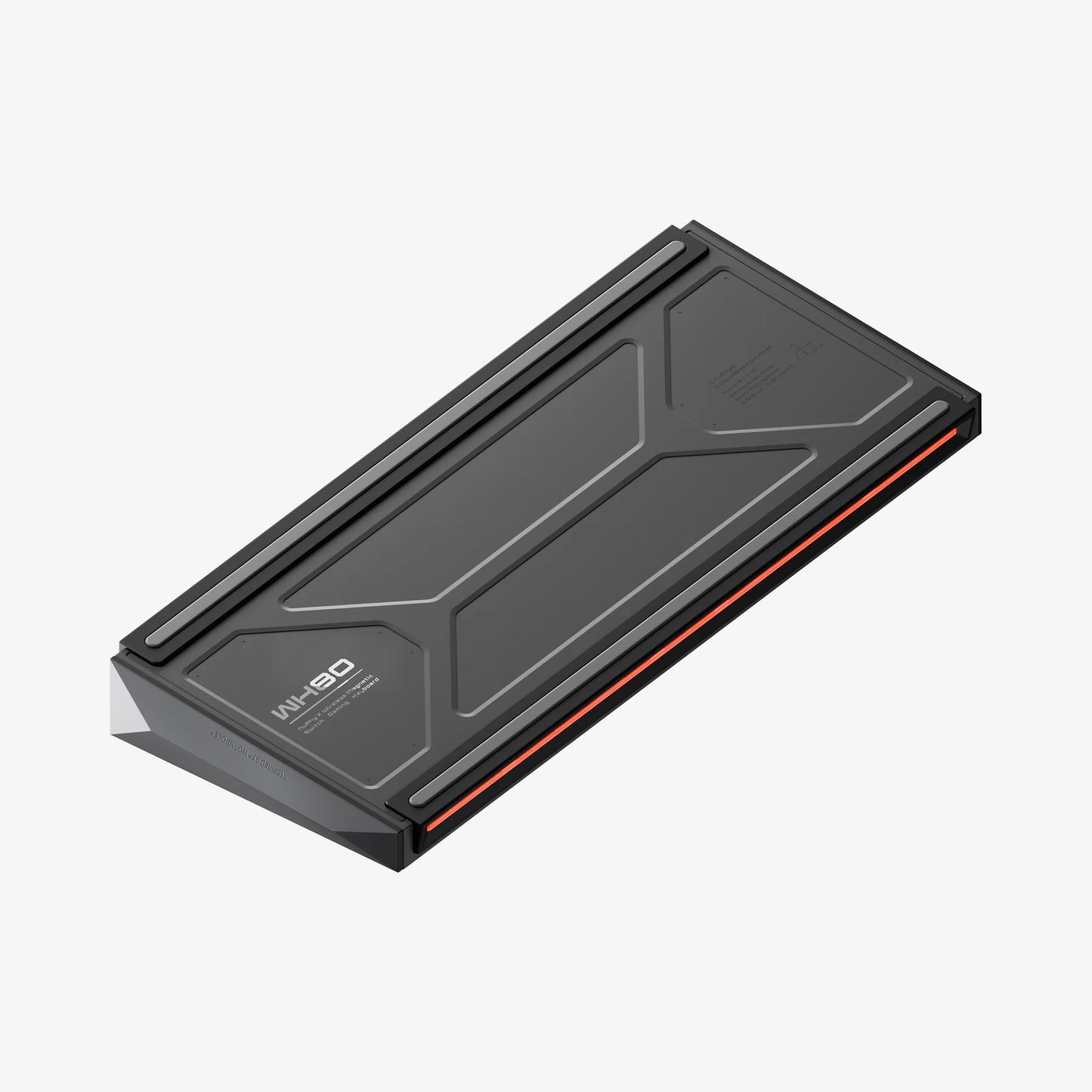


- Typing Feel: Comparable to mechanical keyboards
- Super Long-lasting Battery Life: 500 hours
- Polling Rate: 8000Hz
- RT Precision: 0.005mm
- Connection Modes: Tri-mode (2.4G, Bluetooth, Wired USB-C)
- Compatible Systems: Windows, macOS, Linux
NuPhy® WH80 83-Key Tri-Mode Magnetic Mechanical Gaming Keyboard - Magnetic Jade Dragon Switch / Nebula Dark
Brand : NuPhy
SKU: SKU:
Low stock: 2 left
Regular price
₱12,190.00
Regular price
Sale price
₱12,190.00
Unit price
per
Couldn't load pickup availability
FEATURES
IN THE BOX
PRE-BUILT KEYBOARD
1 x WH80 Keyboard
1 x 2.4G Dongle
1 x USB-C to USB-C Cable
1 x USB-C to USB-A adapter
1 x Keycap/Switch Puller
2 x Extra Toggle
1 x Quick Start Guide
(with FAQ & Instructions)
1 x Keyboard Pack
TECH SPECS
SPECIFICATION
Layout: ANSI 80%
Number of Keys: 83
Switch Type: High-Profile Magnetic Switches
Stabilizer Type: Plate Mounted
Mount Type: Gasket Mount
Power-off Replaceable Switches Supoort: Yes
Backlight: Top-emitting LED
Backlight Modes: 20
Compatible System: macOS/Windows/Android/iOS
Operating Environment: -10 to 50℃
CONNECTION
Mode: 24GHz, Wired (USB-C) or Bluetooth 5.0
2.4GHz Polling Rate: 8000Hz
Wired Polling Rate: 8000Hz
Bluetooth 5.0 Polling Rate: 125Hz
MATERIALS
Keycaps: PBT
Keyboard: ABS
SIZE AND WEIGHT
Long 357mm (14.05 inches)
Wide 144.7 mm (5.69 inches)
Back Height 35.4 mm (1.39 inches)
Front Height 21.7 mm (0.85 inches)
Weight 1516 grams (3.34 pound)
Type Angle 7º
Wide 144.7 mm (5.69 inches)
Back Height 35.4 mm (1.39 inches)
Front Height 21.7 mm (0.85 inches)
Weight 1516 grams (3.34 pound)
Type Angle 7º
* Note: 1. Due to technical limitations, renderings of keyboards published by NuPhy are not accurate representations of the final products.
Frequently Asked Questions
NuPhy WH80 Backlight Settings?
-
FN+← Backlight effect switching
-
FN+↑/↓ Backlight brightness+-
-
FN+→ Backlight color switching
-
FN+</> Backlightspeed
Why can't I connect with 2.4 GHz?
1. Connect the 2.4G receiver to a USB 2.0 port to reduce interference.
2. Choose a port away from other receivers whenever possible.
3. Do not connect the 2.4G receiver to a metal-shelled USB hub.
4.To re-pair the 2.4G receiver, follow these steps:
① switch the keyboard to 2.4G mode.
② Hold FN + 4 (WH80) for 3 seconds to enter pairing mode (front LED turns green and blinks rapidly).
③ Unplug and replug the 2.4G receiver. lf paired successfully, the green LED will change from rapid blinking to a steady light.
NuPhy Web Driver
NuPhylO is our browser-based driver software, Simply visit nuphy.io to get started. lf your keyboard isn' t recognized in wired mode, don' t hesitate to contact our support team for help.